Most people searching for Wix alternatives are looking for the website builder that best fits their needs, goals, and workflow. Wix works well for a lot of sites, but it is not the right fit for everyone, and comparing your options before committing to a move is simply good due diligence.
This guide covers the platforms most often considered as the best Wix alternatives in 2026. For each one, you will find who it is built for, how it works, what it actually costs, how it handles SEO, and how to migrate from Wix. Every fact is pulled from the platforms' own documentation.
The goal is a clear, factual overview of the website-builder landscape, so you can weigh each option against your design preferences, business needs, and growth plans. We will start with a quick baseline on Wix, then review the alternatives one by one.
Why Look for a Wix Alternative?
Wix is one of the most popular website builders in the world. In the fourth quarter of 2025 it reported revenue of $524 million, up 14% year over year, with bookings of $535 million, up 15%. Millions of people use it because it makes launching a site fast and simple, with hosting, design tools, ecommerce, and AI site generation bundled into one platform. But once your business grows, some of Wix's limits get harder to ignore.
People switch off Wix for a mix of reasons:
- Costs increase as your site becomes more sophisticated. Entry-level plans are affordable, but ecommerce features, additional storage, and marketplace apps can add to the overall cost. For many businesses, the more useful comparison is the total annual cost based on the features they actually need.
- Migration flexibility is limited. Wix's classic editor does not allow switching templates after a site has been created, and Wix sites cannot be exported for hosting elsewhere. If you decide to redesign or move to another platform, rebuilding the site is usually required.
- Larger websites require additional planning. Wix supports up to 100 static pages and 298 pages in total. For most business websites this is more than enough, but larger content projects often rely on dynamic pages or alternative platforms with fewer structural limits.
- Advanced SEO customization is more limited. Wix has made major SEO improvements in recent years and performs well for many websites. However, teams running large SEO programs sometimes need more control over structured data, rendering, or URL architecture than Wix currently offers.
- Page speed depends heavily on your site's complexity. On Wix, heavier sites tend to load more JavaScript than equivalent builds on leaner platforms, which can make strong Core Web Vitals harder to maintain as a site grows. Because page speed affects both search rankings and conversions, performance-focused teams sometimes prefer a lighter platform.
- Custom development and CMS depth are more limited. Wix Velo allows custom code, but multi-collection content models, native localization, and deep third-party integrations are less robust than on developer-oriented platforms, so growing technical teams can outgrow what Wix offers here.
None of this makes Wix a bad product. Past a certain point, though, your needs and Wix's strengths start to pull in different directions, and that is the moment to compare alternatives.
Best Wix Alternatives: Quick Comparison
We are Foursets, a Webflow design, development, and SEO agency that migrates client sites off Wix and other platforms. Every cell below is pulled from each platform's own pricing, docs, and trust pages, states what the platform actually does, and is explained in full in the per-platform breakdown.
Note: prices show each platform's lowest paid plan at annual billing; monthly billing and higher tiers cost more, with the full breakdown in each platform section below. Last updated July 2026, refreshed every six months.
A few caveats. There is no universal winner here; every platform owns a different "best for," and the right pick depends on your use case, not a single score. Each cell is explained in full in the per-platform breakdown below. All pricing and feature details are accurate as of the time of writing (July 2026); platforms update their plans and prices often, so always confirm the current details on each platform's own pricing page before deciding.
Key Features Comparison
This is the objective companion to the table above: a straight present-or-absent check on the features that matter most in a migration. Every value comes from each platform's own site, cited in the per-platform breakdown and the references. ✔ means the feature is native (no third-party plugin or external tool needed); ✖ means it is not.
A few notes so the checks are not misread:
- Native means no third-party plugin. That is why WordPress reads
✖on built-in SEO (it relies on Yoast or Rank Math) and native ecommerce (it sells only through the WooCommerce plugin). Those plugins are excellent; they are just not core. - Drag-and-drop builder means a freeform visual editor; Shopify, WordPress, and Jimdo use section or block editors instead, so they read
✖. - Some
✔marks are qualified. Framer's API is its Server API (open beta) plus form webhooks, and its A/B is the paid Convert add-on (Pro and up); Shopify's A/B is native Rollouts (Grow and up); Weebly's API is its first-party Developer Center. - Multilingual is native but you supply the translations. On Hostinger and Jimdo that means duplicating a page per language (and on Jimdo the store stays single-language); Webnode manages all its languages from a single admin.
Best Wix Alternatives: Full Breakdown
Webflow
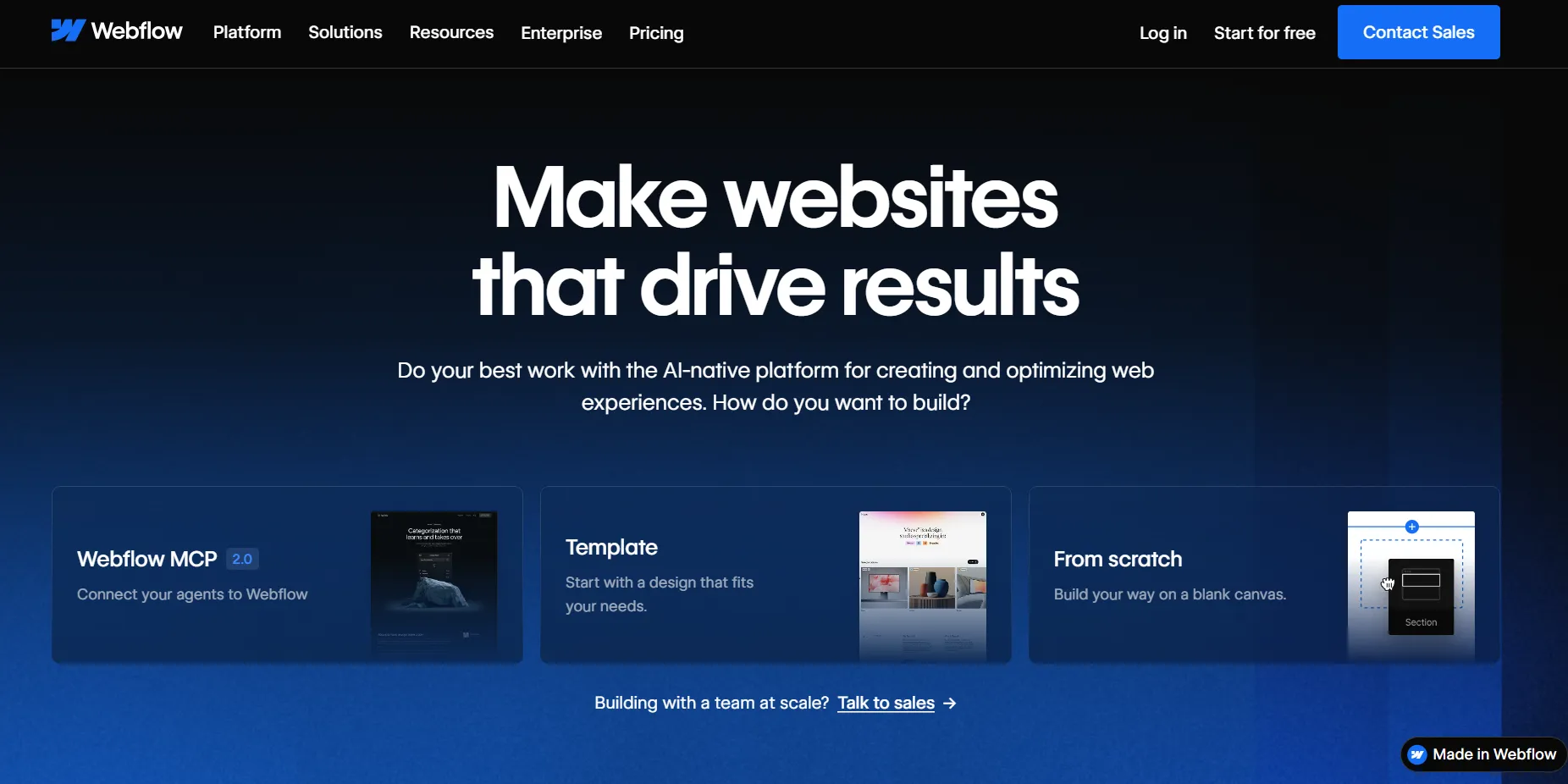
Webflow is a visual development platform: you design in a canvas that writes clean, production HTML and CSS, then host on Webflow's own infrastructure. It launched in 2013 and runs marketing sites for companies like Dropbox and Lattice. A 2024 Forrester study put the three-year ROI of Webflow at 332%.
Best for: Marketing teams, designers, and developers building modern business websites that need design control, a scalable CMS, and built-in SEO and AEO, rather than a five-minute setup.
Pricing
Webflow's pricing comes in layers, so the real total depends on which you need. Prices are lower billed yearly than monthly; hosting, SSL, and a CDN are bundled into every paid plan; and paid add-ons (extra bandwidth, additional seats, ecommerce) sit on top.
Free plan: Webflow has a free Starter plan on a webflow.io subdomain with 2 pages, 50 CMS items, and 1 GB bandwidth.
Site plans
For one website, yearly price with monthly in brackets:
- Basic: $15/mo yearly ($25/mo monthly). Custom domain, 300 static pages, 10 GB bandwidth, no CMS.
- Premium: $25/mo yearly ($39/mo monthly). Everything in Basic, plus the full Webflow CMS, 50 GB bandwidth, code components, and site search.
Platform plans
For growing teams and organizations:
- Team: $2,500/mo (annual contract). Adds Webflow Localization, publishing workflows, a site activity log and API, governance, and priority support.
- Enterprise: custom pricing. Enterprise-scale hosting, granular permissions, SSO, dedicated support, and enhanced SLAs.
Ecommerce plans
If you sell, on top of a Site plan, yearly price with monthly in brackets:
- Standard: $29/mo yearly ($42/mo monthly). Up to 500 items, 2% transaction fee.
- Plus: $74/mo yearly ($84/mo monthly). Up to 5,000 items, no transaction fee.
- Advanced: $212/mo yearly ($235/mo monthly). Up to 15,000 items, no transaction fee.
Workspace plans
Seats and collaboration for in-house teams, freelancers, and agencies, yearly price with monthly in brackets:
- Core: $19/mo yearly ($28/mo monthly)
- Growth: $49/mo yearly ($60/mo monthly)
- Freelancer: $16/mo yearly ($24/mo monthly)
- Agency: $35/mo yearly ($42/mo monthly)
- Extra seats from $15/mo yearly ($19/mo monthly)
Most B2B marketing sites land on the Premium site plan plus one paid Workspace seat.
Note: plans and prices can be updated by the platform, so confirm the current details on the Webflow pricing page before you decide.
Want the full Webflow pricing picture?
For a complete breakdown of every plan and what a Webflow site actually costs, read our detailed guide: Webflow Pricing Explained.
Key features
Security
Webflow is independently audited for SOC 2 Type II and certified to ISO 27001, with PCI DSS, GDPR, and CCPA coverage, and free SSL ships on every plan. SSO, custom SSL, and audit logging are available on Enterprise. To dig deeper, see the Webflow Trust Center.
Why Choose Webflow over Wix
- No template lock-in. You can restructure or redesign without rebuilding from scratch, and you can export your code, neither of which Wix allows.
- More SEO and performance headroom. Lighter, semantic code on static hosting gives you more room to rank than Wix's heavier JavaScript.
- A CMS that scales past Wix's limits. It handles large, structured content and programmatic pages where Wix runs into page and structure caps.
- Built for a team. Roles, approvals, and governance suit a marketing team, unlike Wix's simpler single-editor model.
- A native marketing stack. SEO, localization, and A/B testing are built in, so you lean less on the third-party apps Wix depends on.
Where Wix Wins
- Simpler for beginners. Wix's drag-and-drop editor has almost no learning curve, while Webflow takes time to master.
- One simpler price. Wix bundles most things into a single plan, whereas Webflow's cost can stack across site, ecommerce, seats, and add-ons.
- Faster for a small site. For a brochure site or a small store, Wix gets you live quickly, and Webflow's depth is more than you need.
- Store and languages included. Wix's plans include an online store and multilingual support, while Webflow charges for ecommerce and localization as extras, and its store is lighter than a dedicated platform's.
Considering Webflow?
As a Webflow design, development, and SEO agency, building and migrating sites onto Webflow is exactly what we do.
WordPress
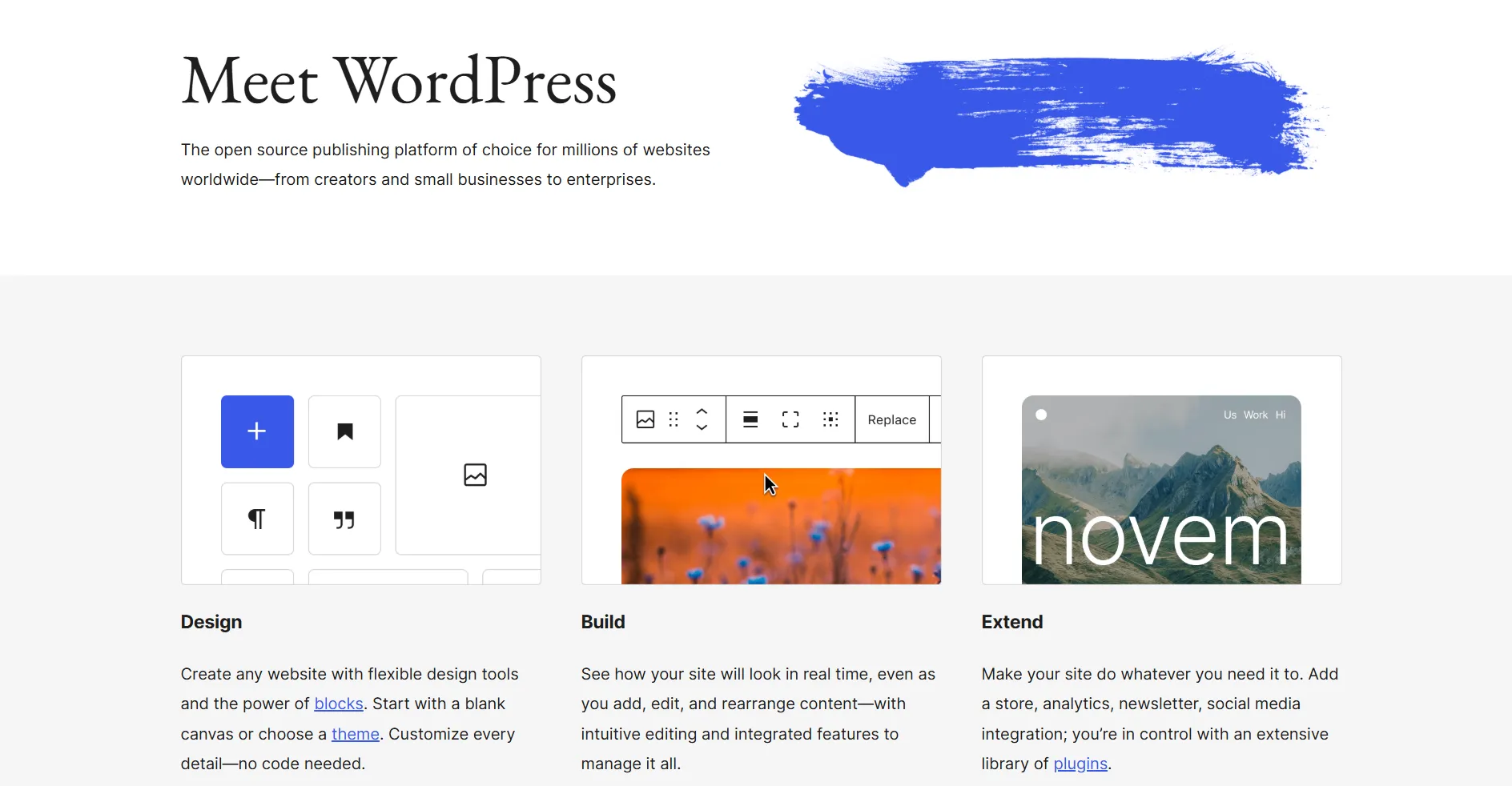
WordPress.org is the free, open-source CMS you install on your own hosting. It powers a large share of the web and gives you full ownership of your code and data. One thing to clear up first: WordPress.org (this entry) is the free, self-hosted software you install and manage yourself, while WordPress.com is a separate, fully managed platform from Automattic that handles hosting, security, and updates for you, much like Wix or Squarespace.
Best for: Content-heavy sites and teams that want maximum flexibility and full ownership, and are comfortable managing (or hiring for) hosting and updates.
Pricing
The WordPress software is free. Your real cost is what you assemble around it:
- Software: free, open source (GPL).
- Hosting: paid, from a few dollars a month for shared hosting to more for managed WordPress.
- Themes and plugins: many free, some premium (including WooCommerce extensions).
- Developer: budget for setup and maintenance if you do not self-manage.
Note: WordPress core is free, but hosting, plugins, and maintenance are separate costs, so there is no single vendor price.
Key features
Security
Self-managed. Security depends on your host, your plugins, and your update discipline. WordPress.org itself does not provide hosting-level certifications like SOC 2 or ISO 27001; those come from whichever host you choose.
Why Choose WordPress over Wix
- Full ownership and portability. You self-host and can export everything, with no lock-in.
- The biggest ecosystem anywhere. Tens of thousands of plugins and themes for almost any need.
- Scales without limits. WordPress runs large, complex, multilingual, and database-heavy sites that outgrow Wix's page and structure caps.
- Content-first with mature SEO. Yoast and Rank Math give deep, granular SEO control.
Where Wix Wins
- No maintenance. Wix handles hosting, security, and updates; on WordPress that is your job.
- Faster for non-technical users. Wix is live in an afternoon; WordPress needs real setup.
- Built-in tools without plugins. SEO, analytics, and email are native on Wix; WordPress leans on plugins.
Framer
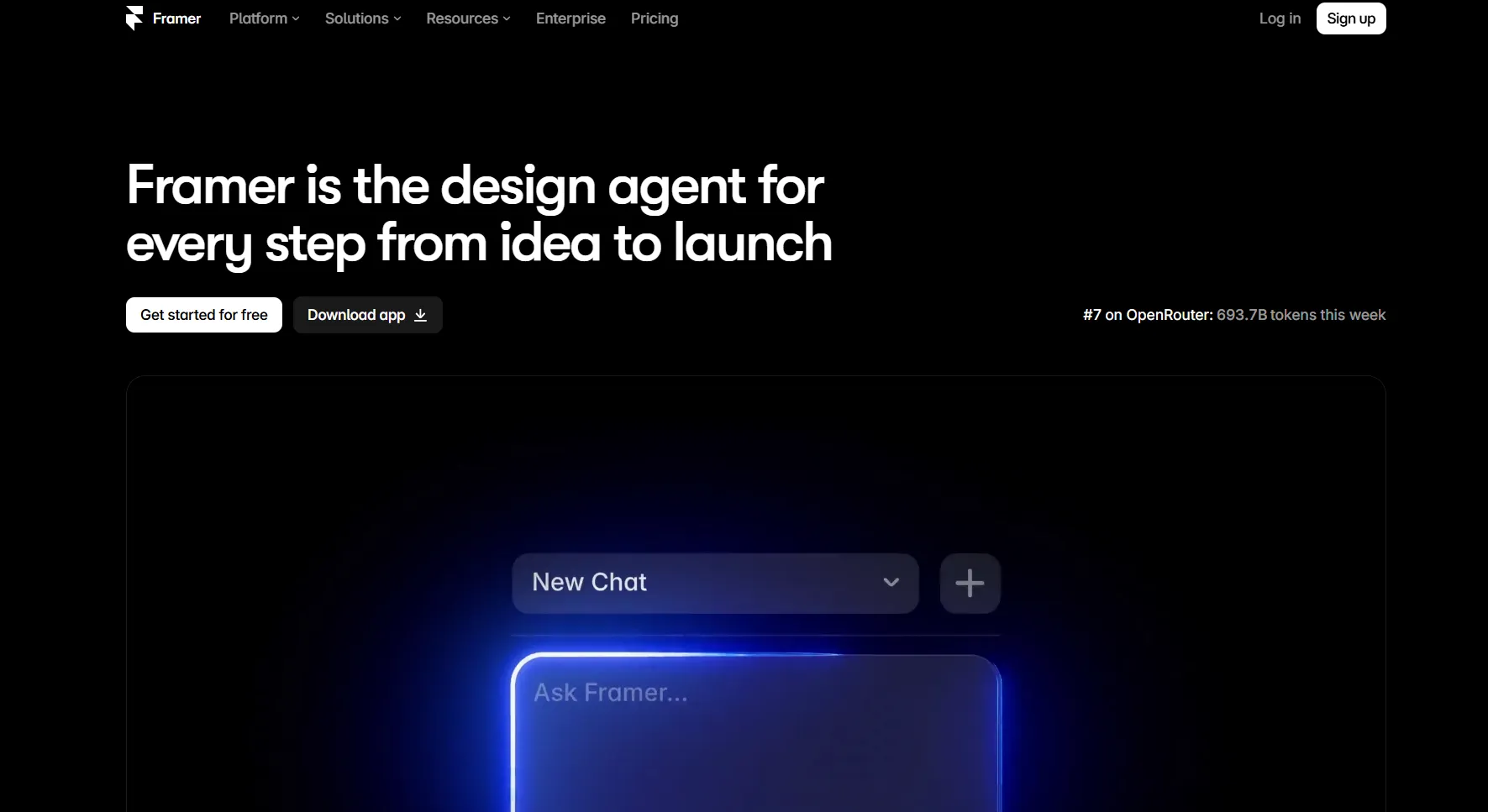
Framer is a design-first website builder: you build on a visual canvas and publish to fast, hosted infrastructure. It began as a prototyping tool and is now aimed at designers and teams shipping marketing sites and landing pages quickly, with heavy AI assistance.
Best for: Designers and teams shipping landing pages and marketing sites fast, who want a design-tool feel with built-in AI.
Pricing
There is a free plan on a framer.website subdomain. Paid plans, billed annually:
- Basic: $10/mo. Custom domain and more pages.
- Pro: $30/mo. More pages, larger CMS, and higher limits.
- Enterprise: custom pricing.
Note: plans and prices can be updated by the platform, so confirm the current details on the Framer pricing page before you decide.
Key features
Security
SSL is automatic on every site, and Framer holds SOC 2 Type II and ISO 27001, with SSO on Enterprise. To dig deeper, see the Framer security page.
Why Choose Framer over Wix
- Faster, design-led building. A design-tool canvas with AI ships polished pages quickly.
- Lighter, faster output. Static and edge hosting reads better for search and AI engines than Wix's heavier JavaScript.
- A modern marketing stack. Native CMS, localization, and built-in SEO controls, without the third-party apps Wix leans on.
- Enterprise-grade security. SOC 2 Type II and ISO 27001, which Wix gates or lacks.
Where Wix Wins
- Native ecommerce. Wix sells out of the box; Framer has no native store.
- All-in-one small business. Wix bundles email marketing and more; Framer leans on integrations.
- Cheaper broad feature set. For a small business site, Wix covers more for less.
Squarespace

Squarespace is a fully hosted, all-in-one website builder known for designer-quality templates. It was founded in 2003 and is based in New York. It bundles design, commerce, scheduling, email, and analytics for people who want a polished site without code.
Best for: Creatives, service businesses, and small brands, from portfolios and online stores to consultants and wellness providers, who want a professional site without touching code.
Pricing
There is no permanent free plan, only a 14-day trial, and annual plans include a free custom domain for the first year. Prices, billed yearly with monthly in brackets:
- Basic: $16/mo yearly ($25/mo monthly). 2% commerce transaction fee.
- Core: $23/mo yearly ($36/mo monthly). No transaction fee.
- Plus: $39/mo yearly ($56/mo monthly). No transaction fee.
- Advanced: $99/mo yearly ($139/mo monthly). No transaction fee.
Note: plans and prices can be updated by the platform, so confirm the current details on the Squarespace pricing page before you decide.
Key features
Security
Squarespace uses TLS encryption, two-factor authentication, DDoS protection, and PCI compliance for commerce, with GDPR addressed. SOC 2, ISO 27001, and SSO are not stated on its official pages, which can matter at enterprise procurement. To dig deeper, see the Squarespace security page.
Why Choose Squarespace over Wix
- More curated design. Designer-made templates and the Fluid Engine give a cleaner, more polished result than Wix's free-form editor.
- Stronger blogging and content. Squarespace's blog handles categories, scheduling, and structured content better than Wix, closer to a real CMS.
- Better for service businesses. Native Acuity Scheduling and email campaigns suit consultants, salons, and studios out of the box.
- You can export your content. Unlike Wix, Squarespace lets you export your content to an XML file if you ever move on.
Where Wix Wins
- Native multilingual. Wix has built-in multilingual support; Squarespace does not, so you rely on the Weglot integration or manual duplication.
- More free-form design. Wix's canvas lets you drop elements anywhere, while Squarespace keeps you closer to the template grid.
- A free plan. Wix has a free tier; Squarespace offers only a 14-day trial.
Shopify
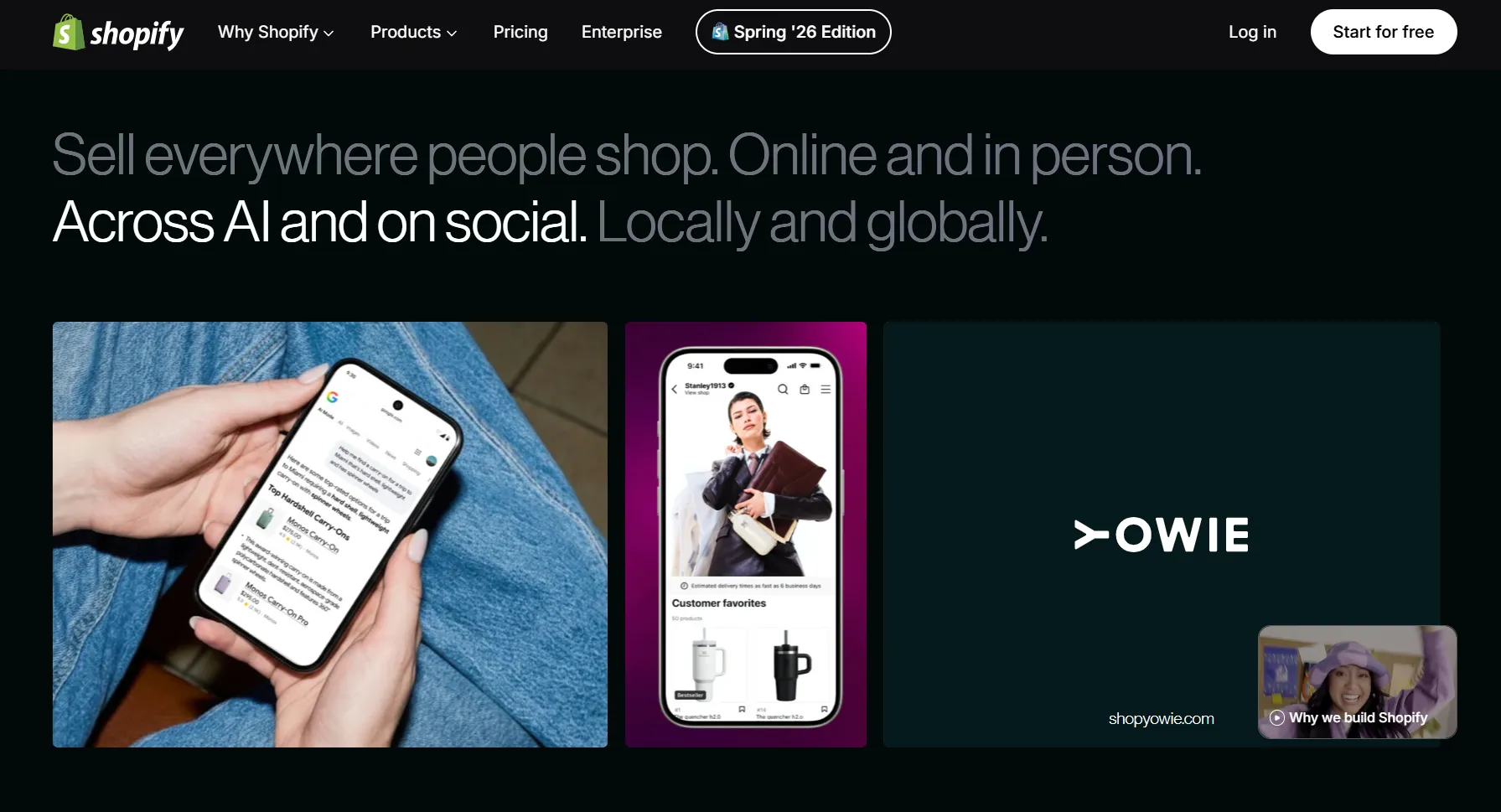
Shopify is the dominant hosted ecommerce platform, headquartered in Ottawa and publicly traded on Nasdaq and the TSX under SHOP. It powers millions of stores and is built around selling, from a single product to enterprise-scale catalogs.
Best for: Businesses whose website is really a store and that expect to scale into serious, multichannel, or international ecommerce.
Pricing
There is no free plan, only a free trial, plus a low-cost Starter plan. Prices are lower billed yearly than monthly:
- Basic: $29/mo yearly ($39/mo monthly). Card rate from 2.9% + 30¢.
- Grow: $79/mo yearly ($105/mo monthly). Card rate from 2.7% + 30¢.
- Advanced: $299/mo yearly ($399/mo monthly). Card rate from 2.5% + 30¢.
- Plus: from $2,300/mo. Card rate from 2.25% + 30¢.
If you do not use Shopify Payments, third-party transaction fees of 2% (Basic) down to 0.2% (Plus) apply on top.
Note: plans and prices can be updated by the platform, so confirm the current details on the Shopify pricing page before you decide.
Key features
Security
Shopify is certified PCI DSS Level 1 and holds SOC 2 Type II and SOC 3 reports, with quarterly external (ASV) vulnerability scans, free SSL on every store, and SAML SSO for organizations on Shopify Plus. ISO 27001 is not listed on its compliance page. To dig deeper, see the Shopify security page.
Why Choose Shopify over Wix
- Built for selling at scale. Deeper catalog, checkout, and inventory tools than Wix's online store, up to enterprise volume.
- A far bigger ecosystem. More than 16,000 apps and a huge partner network cover almost any commerce need.
- Multichannel and international. Sell across social, marketplaces, and POS, in up to 20 languages and currencies, from one place.
- Stronger payment security. PCI DSS Level 1 and SOC 2, with fraud tooling built in.
Where Wix Wins
- Simpler and cheaper for a small site. If you are not really running a store, Wix is cheaper and easier to launch.
- More free-form design. Wix's canvas is more flexible for a marketing or content site; Shopify is commerce-first with a section editor.
- A free plan. Wix has a free tier; Shopify offers only a trial, then a paid plan.
Hostinger Website Builder
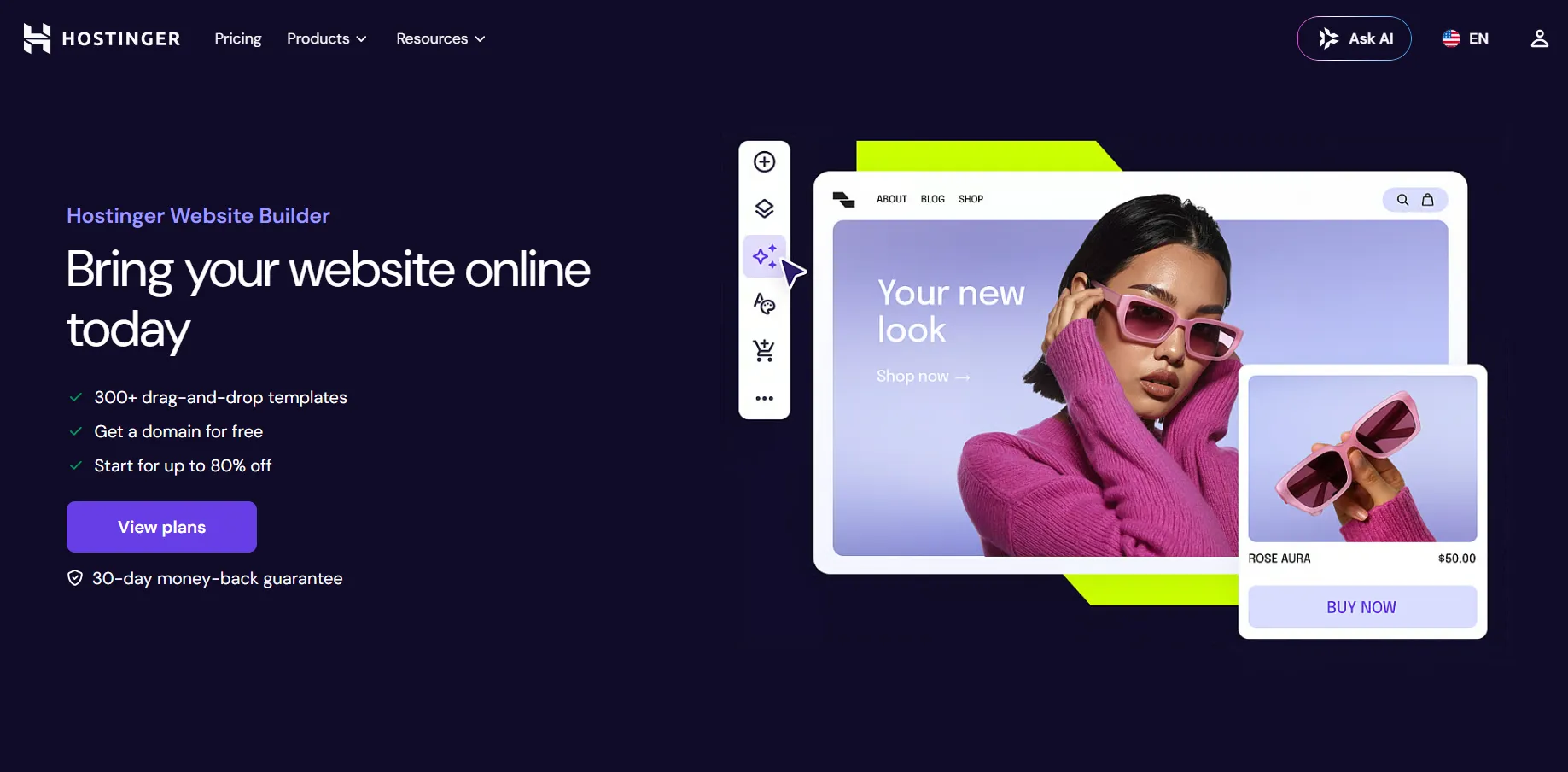
Hostinger Website Builder is a cheap, beginner-friendly builder with hosting bundled in and an AI site generator. It is aimed at individuals and small businesses that want to get online quickly at the lowest cost.
Best for: Beginners and small businesses on a tight budget who want a simple site live fast, with hosting included.
Pricing
There is no permanent free plan, only a 14-day free trial. Prices are low intro rates that renew higher, and are billed for multi-year terms:
- Premium: from $2.99/mo intro (renews at $10.99/mo). Up to 3 websites, hosting included.
- Business: from $3.79/mo intro (renews at $16.99/mo). Up to 50 websites, native online store.
A free domain for the first year is included on yearly plans.
Note: plans and prices can be updated by the platform, so confirm the current details on the Hostinger pricing page before you decide.
Key features
Security
Every Hostinger site gets unlimited free SSL, and the builder creates automatic backups when you publish or update your site. DDoS protection and formal compliance certifications are not stated on the Website Builder pages.
Why Choose Hostinger over Wix
- Cheaper entry. Intro pricing undercuts Wix, with hosting and a first-year domain included.
- AI setup in minutes. The AI builder gets a beginner online fast.
- Simpler for beginners. Hostinger's grid-based editor is easier to start with than Wix's busier, feature-heavy interface.
Where Wix Wins
- Deeper features and CMS. Wix has a real CMS and app market; Hostinger's native features are thinner.
- No renewal jump. Wix pricing is steadier; Hostinger's low intro rate renews much higher.
- Bigger ecosystem and support depth. Wix has more apps and a larger knowledge base.
Weebly
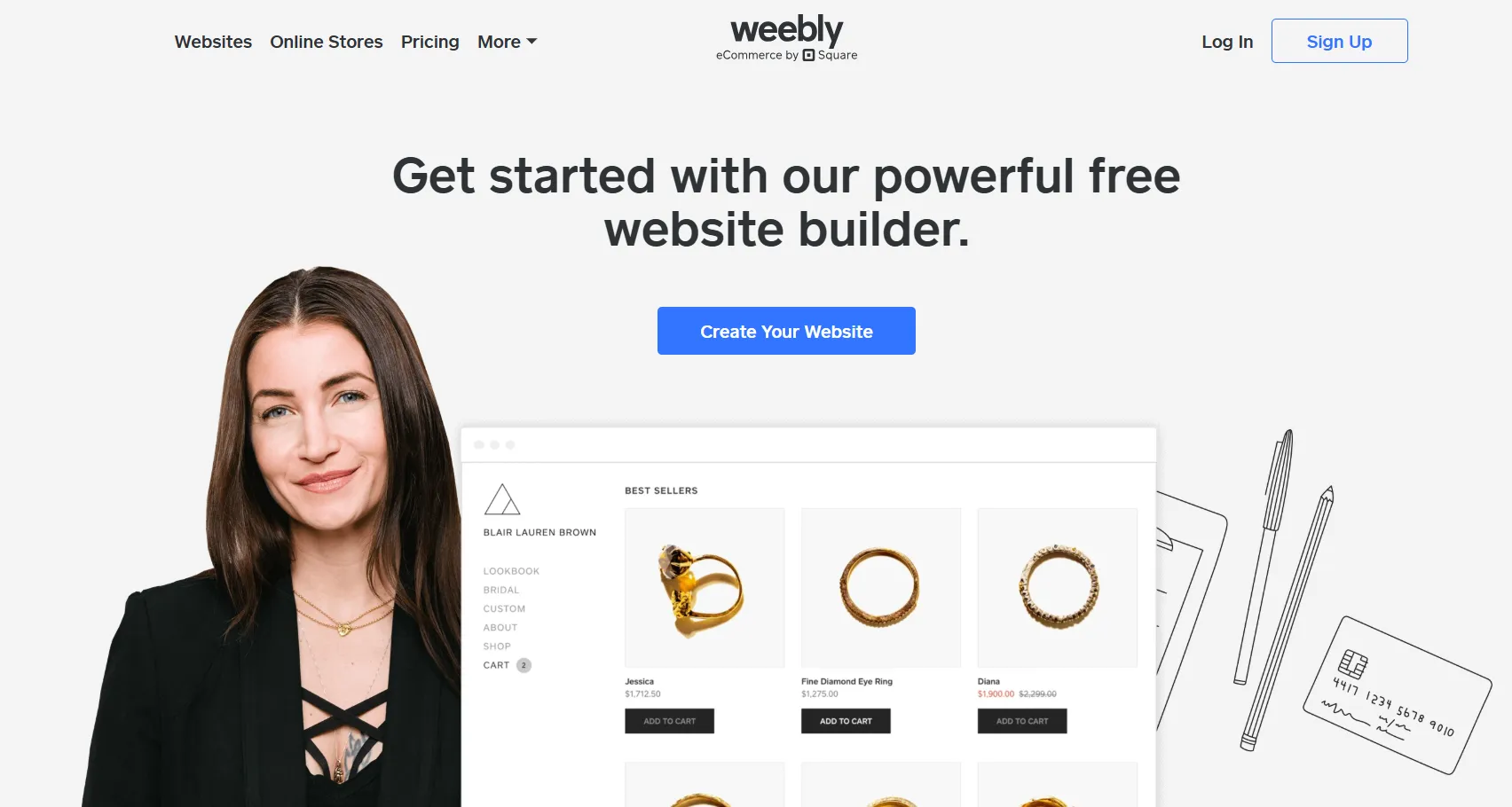
Weebly is a simple website builder owned by Square, strongest when your site is tied to Square payments and a small online store. It has a free plan and a straightforward drag-and-drop editor.
Best for: Small businesses that want a simple site and store connected to Square payments and point of sale.
Pricing
Weebly has a free plan (with Square ads), plus paid tiers billed annually:
- Free: $0, with Square ads and a Weebly subdomain.
- Personal: $13/mo yearly ($16/mo monthly).
- Professional: $15/mo yearly ($20/mo monthly), ads removed.
- Performance: $32/mo yearly ($36/mo monthly), with more store tools.
Note: plans and prices can be updated by the platform, so confirm the current details on the Weebly pricing page before you decide.
Key features
Security
Weebly includes free SSL on all plans, and PCI compliance is handled through Square as the payment processor.
Why Choose Weebly over Wix
- Tight Square integration. Native Square payments and POS for businesses already on Square.
- Lower-cost plans. Weebly's paid tiers start from about $13/mo, below Wix's entry pricing.
- Simple code access. An HTML and CSS editor on every plan, including free.
Where Wix Wins
- More modern and actively developed. Wix ships features faster; Weebly has been fairly static under Square.
- No native AI or multilingual support. Wix has both; Weebly does not.
- Deeper design and CMS. Wix offers more design freedom and a real CMS.
Jimdo
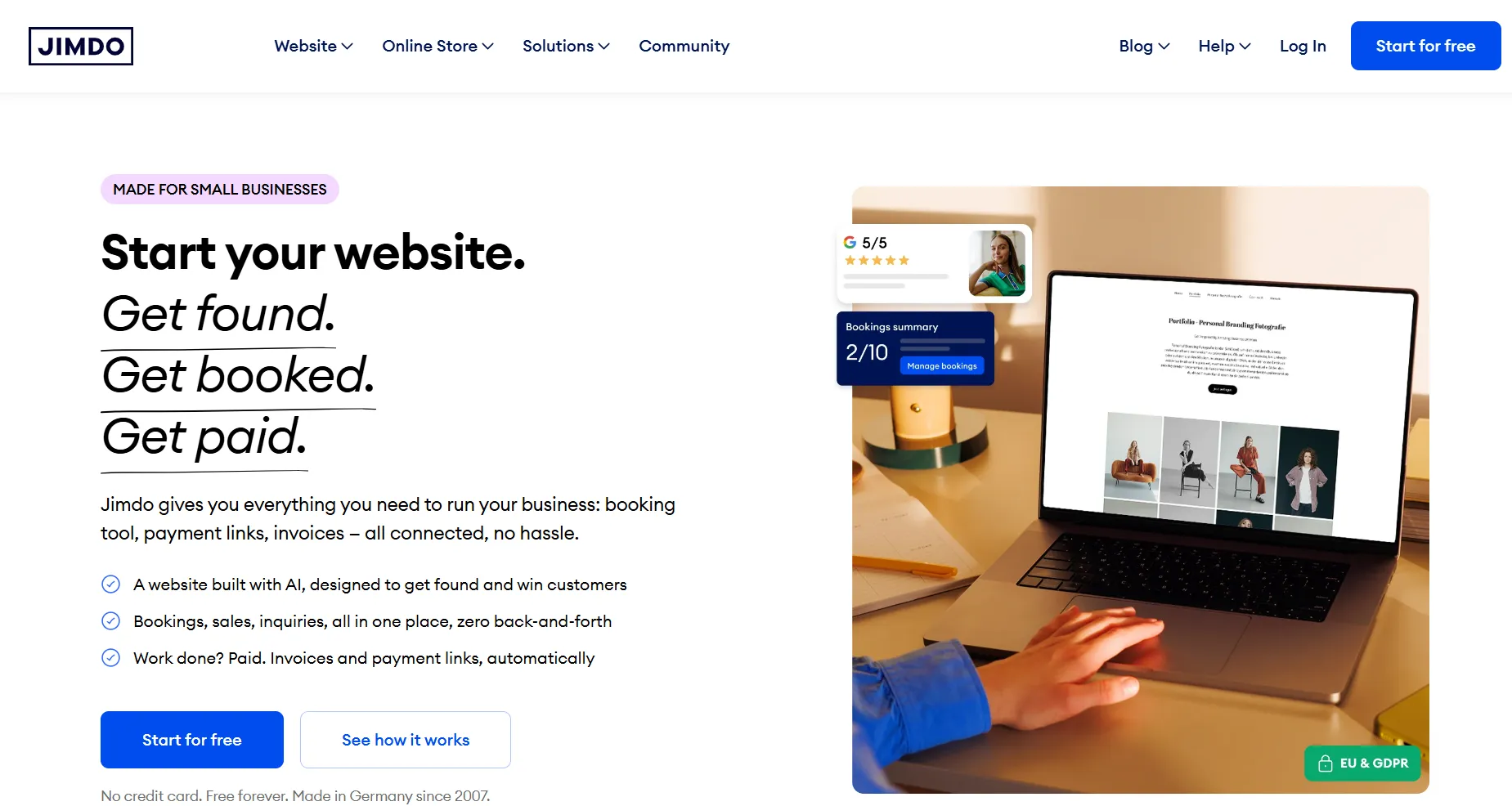
Jimdo is a simple, German-made website builder aimed at solopreneurs and small businesses, with an AI setup flow and a genuine free plan. It is a lightweight, get-online-fast option rather than a platform to scale on.
Best for: Solopreneurs and very small businesses that want a quick, low-cost, or free site without complexity.
Pricing
Jimdo has a genuine free plan (with Jimdo branding), plus low-cost paid tiers. Website plan prices are shown per month on a 12-month term, VAT included:
- Free: $0. Base features on a .jimdosite.com subdomain, with Jimdo branding.
- Start: $11/mo. For a personal site, with a custom domain included and ad-free.
- Grow: $17/mo. For a business site, adding advanced SEO, visitor statistics, and faster support.
- Unlimited: $49.50/mo. Adds 500 GB storage, a professional design analysis, and premium support.
Note: plans and prices can be updated by the platform, so confirm the current details on the Jimdo pricing page before you decide.
Key features
Security
Jimdo includes SSL on every site and offers GDPR-compliant forms. It is a closed hosted builder, so there is no documented way to export your site or content.
Why Choose Jimdo over Wix
- A genuine free plan. Like Wix, Jimdo lets you start free, with a simple upgrade path.
- AI setup for beginners. Fast, guided site creation for non-technical owners.
- Made in Germany, GDPR-ready. Jimdo is built and hosted in Germany with GDPR-compliant forms, which some businesses require.
Where Wix Wins
- More features and depth. Wix has a real CMS, an app market, and native email marketing; Jimdo is thinner.
- Room to grow. Wix scales further; Jimdo is built for small, simple sites.
- More design range. Wix offers far more templates and free-form design than Jimdo's simple block editor.
Webnode

Webnode is a simple, European website builder known for making genuinely multilingual sites easy. It suits small businesses and freelancers that want a quick site, especially in more than one language.
Best for: Small businesses and freelancers who want a quick, simple site, especially one in multiple languages.
Pricing
Webnode has a free plan, plus paid website tiers, billed yearly with monthly in brackets:
- Free: $0, on a Webnode subdomain, with a bandwidth and storage cap.
- Limited: $4.50/mo (billed annually). Connect your own domain.
- Mini: $8.50/mo yearly ($14.50/mo monthly).
- Standard: $12.90/mo yearly ($24.90/mo monthly). Adds the online store and multilingual support (two languages).
- Profi: $22.90/mo yearly ($37.90/mo monthly). Unlimited bandwidth and languages.
A separate Business tier for larger online stores runs $31.90/mo yearly ($49.90/mo monthly).
Note: plans and prices can be updated by the platform, so confirm the current details on the Webnode pricing page before you decide.
Key features
Security
Every Webnode site gets free auto-renewing SSL and GDPR and cookie-law handling out of the box. Automatic backups are a separate paid add-on, and antivirus scanning of form uploads is part of the paid Premium Site Security package, so neither is included by default.
Why Choose Webnode over Wix
- Easiest multilingual. Native multi-language from one admin, simpler than Wix for translated sites.
- A free plan and quick setup. Start free and get online fast.
- GDPR out of the box. Cookie-law and GDPR handling built in.
Where Wix Wins
- More features and depth. Wix has a fuller CMS, an app market, native email, and AI site building.
- Room to grow. Wix scales further; Webnode is best for small, simple sites.
- Bigger ecosystem. Wix has far more apps and integrations.
How to Choose the Right Wix Alternative
Start with the use case, not the brand. The right alternative depends on whether you are building a marketing site, a store, a publication, or a simple brochure.
By use case
In short, match the platform to the job, not the brand: Webflow for design control and a scalable site, Framer for fast design-led pages, Shopify for a store, WordPress for total control of your stack, Squarespace for polished templates and a service site, and a budget builder when you just need something simple and cheap online fast.
How to Migrate From Wix, Step by Step
A Wix migration succeeds or fails long before launch day: the prep decides whether your organic traffic stays flat or drops. The one constant is that Wix has no export, so your content is rebuilt on the new platform no matter what. Plan for roughly 4 to 8 weeks depending on site size, and follow a structured process that protects SEO, carries the technical details over accurately, and tests everything before you touch DNS.
Phase 1: Crawl, inventory, and back up your Wix site
Start with a complete inventory of what you have. Crawl the whole site (using a tool like Screaming Frog or Sitebulb) and export every indexable URL, capturing status codes, canonical tags, titles and meta descriptions, heading structure, internal links, structured data, and any existing redirects. This full inventory is the backbone of your redirect map: every Wix URL, including blog posts on their default /post/post-name prefix, needs a mapped destination on the new platform.
Because Wix has no export, also save a complete offline backup while you still have access: copy every page's body text, download all media (images, PDFs, and video), and record each page's meta title and description, image alt text, and structured data. This copy is both what you rebuild from and your safety net if anything is lost, so make it before you touch the live site or cancel Wix.
Phase 2: Benchmark your baseline
Record where you stand today from Google Analytics and Search Console: top organic landing pages, highest-converting pages, most valuable keywords, pages with strong backlinks, and current rankings, traffic, and conversion rates. Without a baseline you cannot tell whether the move worked. Set clear goals too: preserve traffic, hold rankings, improve Core Web Vitals, simplify the architecture, or lift conversions.
Phase 3: Audit and prune your content
Not every Wix page deserves to move, and a migration is a chance to improve rather than copy. Score each page and decide what happens to it:
Moving dead pages just adds maintenance and indexing noise.
Phase 4: Map URLs and redirects
URL structure is the single biggest SEO lever in a migration. Keep existing URLs where you can; where they must change, build a mapping spreadsheet before development starts, with the old URL, the new URL, the redirect type, and a note (merged, removed, consolidated). Every old Wix URL needs a destination.
Use one-to-one 301 redirects (old to new), never chains (old to intermediate to final), which slow crawling and leak ranking signal. Redirect removed pages to the closest relevant page, not the homepage, which Google reads as a soft 404.
Phase 5: Rebuild on the new platform
Rebuild in a staging or preview environment. Because Wix does not export, content is moved manually or with AI-assisted bulk tooling, and this is usually the longest phase. Do not forget the assets: PDFs, images, and video do not export from Wix either.
Nothing transfers automatically, so carry over every SEO element deliberately: title tags, meta descriptions, heading hierarchy, image alt text, canonical tags, schema, and internal links. Repoint every internal link to its new URL rather than letting it pass through a redirect, since redirected internal links waste crawl budget. Confirm the new site has an XML sitemap set to auto-generate, a clean robots.txt, HTTPS on every page, and mobile-friendly layouts. If the site is multilingual, validate hreflang so each language points to its correct equivalent. Keep the staging URL blocked from search engines (noindex or a password) so it never gets indexed.
Phase 6: Test before launch
Testing is the difference between a smooth move and a costly recovery. Crawl the staging site and compare it to the Wix original, looking for missing pages, broken links, redirect errors, duplicate titles, missing meta, canonical issues, structured-data errors, and stray robots directives. Then walk every important user journey: navigation, forms, search, checkout, logins, and analytics tracking. Finally, measure Core Web Vitals on your key pages.
Phase 7: Launch and cut over
Pick a low-traffic window so any surprises reach as few visitors as possible, and keep the Wix site live and your Wix subscription active until the new one is verified. Ahead of the switch, lower your domain's DNS TTL 24 to 48 hours in advance so it propagates fast, and confirm SSL is active on the new platform. Then:
- Deploy the new site and enable all 301 redirects.
- Move your domain away from Wix (unlock it in Wix and request the transfer authorization (or EPP) code), and preserve your email MX records so mail keeps flowing.
- Update DNS, remove the staging noindex, and verify SSL.
- Submit the new XML sitemap to Google Search Console and Bing Webmaster Tools.
- Confirm analytics and conversion tracking fire, then crawl the live site to check pages, redirects, and metadata.
Propagation usually takes a few hours (up to 24 to 48), and both sites can serve traffic during it, so do not edit content mid-propagation. A Wix domain transfer can take up to seven days, and Wix blocks transfers for 60 days after a domain is registered or its contact details change.
Phase 8: Monitor after launch
The first days need daily attention. Watch Search Console for crawl errors, coverage, indexing, redirect problems, and new 404s, and watch Analytics for unusual traffic or broken tracking. Re-crawl the live site for broken links, redirect chains, missing metadata, and pages accidentally blocked from indexing; on larger sites, keep running weekly technical audits through the first month.
Ranking wobble in the first weeks is normal, since search engines need time to process redirects and reassign signals. Compare against your baseline instead of reacting to daily noise: under 10% off usually just needs monitoring; a 10 to 20% drop means reviewing redirects, indexing, and crawl errors; and anything larger needs immediate investigation. Do not start changing URLs, redirects, or metadata before search engines finish processing the move, and cancel Wix only once the new site is confirmed stable.
Migration checklist
Before you flip DNS, confirm:
- Full crawl and URL inventory done
- Content, media, meta titles/descriptions, alt text, and schema backed up offline
- Traffic and ranking baseline recorded
- Content audit finished
- URL mapping complete
- 301 redirects implemented and tested, with no chains
- Metadata and schema migrated
- Internal links repointed to the new URLs, not through redirects
- XML sitemap set to auto-generate, robots.txt reviewed
- Canonical tags verified, hreflang validated if multilingual
- Analytics and conversion tracking configured
- Staging blocked from indexing
- Full QA passed and performance tested
- Post-launch monitoring plan ready
How to Choose the Right Migration Company
A migration puts your rankings, your traffic, and often your revenue on the line, so who runs it matters as much as the platform you move to. Most botched migrations are not platform problems; they are process problems. Here is what separates a safe partner from a risky one.
- A real migration track record, on your platforms. Ask for case studies of sites they have moved off Wix and onto your target platform, ideally at a similar size and complexity. Someone who has done this many times catches the traps a first-timer walks into.
- SEO preservation, proven with data. A good partner treats the 301 redirect map and content-equivalence audit as non-negotiable and can show you before-and-after traffic from past migrations. If they cannot, keep looking.
- A documented process, not improvisation. They should walk you through their method end to end: crawl and inventory, redirect mapping, rebuild, pre-launch QA, cutover, and post-launch monitoring. Vagueness here is a warning sign.
- References you can actually call. Two clients who migrated similar sites tell you more in ten minutes than any pitch deck.
- Platform expertise, ideally partner status. For a Webflow move, a Webflow Premium or Enterprise Partner has vetted skills; the same logic applies to Shopify Plus or WordPress specialists.
- Ownership with no lock-in. You should own the design files, CMS, and code after launch and be able to edit or leave without them. A partner who keeps you dependent is a second lock-in, not a fix for the first.
- Post-launch support. The risky window is the first month after cutover, so make sure the engagement includes rank and crawl monitoring for several weeks, plus a rollback plan if something drops.
- Transparent scope and pricing. A clear statement of deliverables, timeline, and any ongoing retainer, so you know exactly what you are buying.
The warning signs are the mirror image: no case studies, hand-waving on SEO, no references, the cheapest bid with no method behind it, or a refusal to hand over your own files. When in doubt, ask directly, which is what the next section is for.
Conclusion
There is no single best Wix alternative, only the best fit for your use case: Webflow for design control and a scalable CMS, Shopify for serious selling, WordPress for total flexibility, Framer for fast design-led sites, and the budget builders for a simple, cheap, or free presence. Whichever you choose, the move is safe when you do it in order, with a full 301 redirect map and a content-equivalence check, so your rankings carry over. Pick for where your site is heading over the next few years, not where it is today.
{{post-cta}}
FAQ
Is there a free alternative to Wix?
Yes. Webflow, Framer, Jimdo, Weebly, and Webnode all have genuinely free plans, though each adds branding, a subdomain, or feature limits on the free tier. For a real business site, you will usually want a paid plan on one of them.
Is there a better alternative to Wix?
It depends on what you need. For design control and a scalable CMS, Webflow is stronger; for selling, Shopify; for total flexibility, WordPress. "Better" is about fit, not a single winner, which is why this guide compares the options by use case.
What is the downside of Wix?
The main ones are platform lock-in (you cannot export your site or switch templates after building), pricing that climbs as you add features, hard limits like 100 static pages, and SEO and performance ceilings on larger, JavaScript-heavy sites.
Is Wix still relevant?
Yes. Wix is still one of the most-used website builders in the world, with hundreds of millions of users, and it is a solid choice for small, simple sites. This guide is for the teams that have outgrown what it does well.
Can I export my site from Wix?
No. Wix runs on its own proprietary servers and does not let you export your site to host it elsewhere. You can connect an external domain, but the site itself has to be rebuilt on any new platform.
Will I lose my SEO rankings if I switch from Wix?
Not if you migrate correctly. With a full 301 redirect map and a content-equivalence audit, backlinks and rankings carry over. Ranking loss comes from skipping redirects or changing content, not from the move itself.
How much does it cost to migrate from Wix to Webflow?
It depends on the size of the site and how much is redesigned. A small marketing site can be a few thousand dollars, while a large, content-heavy site with a full redesign costs more. The Webflow platform fee is separate from the build.
How long does a Wix to Webflow migration take?
Usually 4 to 8 weeks, depending on page count, CMS complexity, and how much content has to be rebuilt by hand, since Wix does not export. Small sites can be faster; large ones take longer.
Is Webflow better than Wix?
For design control, CMS scale, SEO, and clean code, yes. For a beginner who wants the cheapest, fastest possible setup, Wix is easier. Webflow rewards teams that need room to grow; Wix rewards speed and simplicity.
Is Wix or WordPress better for SEO?
WordPress gives you more control, especially with plugins like Yoast or Rank Math, plus full access to your code and redirects. Wix has improved and ranks fine for small sites, but WordPress has a higher SEO ceiling for large, content-heavy sites.
References
- Wix. Wix Reports Fourth Quarter and Full Year 2025 Results. https://www.wix.com/press-room/home/post/wix-reports-fourth-quarter-and-full-year-2025-results
- Wix Help Center. Switching Your Site Template. https://support.wix.com/en/article/switching-your-site-template
- Wix Help Center. Exporting or Embedding Your Wix Site Elsewhere. https://support.wix.com/en/article/exporting-or-embedding-your-wix-site-elsewhere
- Wix Help Center. Wix Editor: Creating a Multi-Page Site. https://support.wix.com/en/article/wix-editor-creating-a-multi-page-site
- Webflow. The Total Economic Impact of Webflow (Forrester TEI study). https://webflow.com/blog/forrester-tei-study
- Webflow. Pricing. https://webflow.com/pricing
- Webflow. Trust Center. https://trust.webflow.com/
- Squarespace. Pricing. https://www.squarespace.com/pricing
- Squarespace. Security. https://www.squarespace.com/security
- Shopify. Pricing. https://www.shopify.com/pricing
- Shopify. Security, Compliance Reports, and SAML Authentication. https://www.shopify.com/security ; https://help.shopify.com/en/manual/your-account/users/security/advanced-security-features/saml
- WordPress.org. Documentation and Download. https://wordpress.org/
- Framer. Pricing. https://www.framer.com/pricing/
- Framer. Security. https://www.framer.com/legal/security/
- Hostinger. Website Builder. https://www.hostinger.com/website-builder
- Jimdo. Pricing. https://www.jimdo.com/pricing/website/
- Weebly. Pricing. https://www.weebly.com/pricing
- Webnode. Pricing. https://www.webnode.com/pricing-w2/
- Wix Help Center. Transferring Your Wix Domain Away from Wix. https://support.wix.com/en/article/transferring-your-wix-domain-away-from-wix-2477749









.avif)